Jump Host
An SSH jump host for the theta42 self-hosted stack. Users SSH into one public host and land on any downstream host they’re entitled to — authenticated against the shared LDAP directory, authorized from the SSO Manager’s inventory graph, and audited end to end.
No per-host accounts, no distributing keys, no VPN. The same people who log in to your SSO are the people who can reach your machines — and only the machines their directory groups grant.
Part of the theta42 self-hosted identity stack, alongside SSO Manager and Proxy, composable with one command via theta-env.
Screenshots
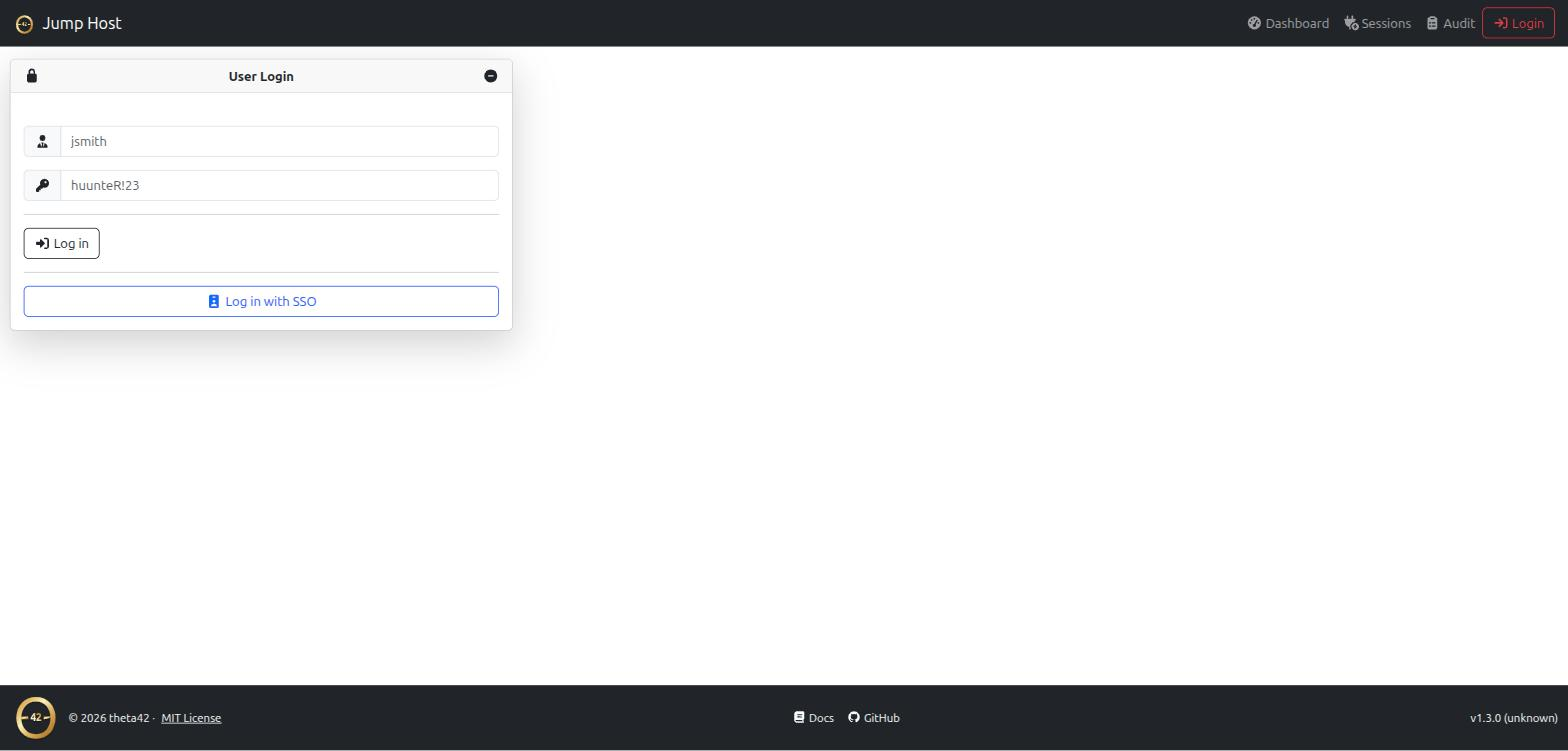
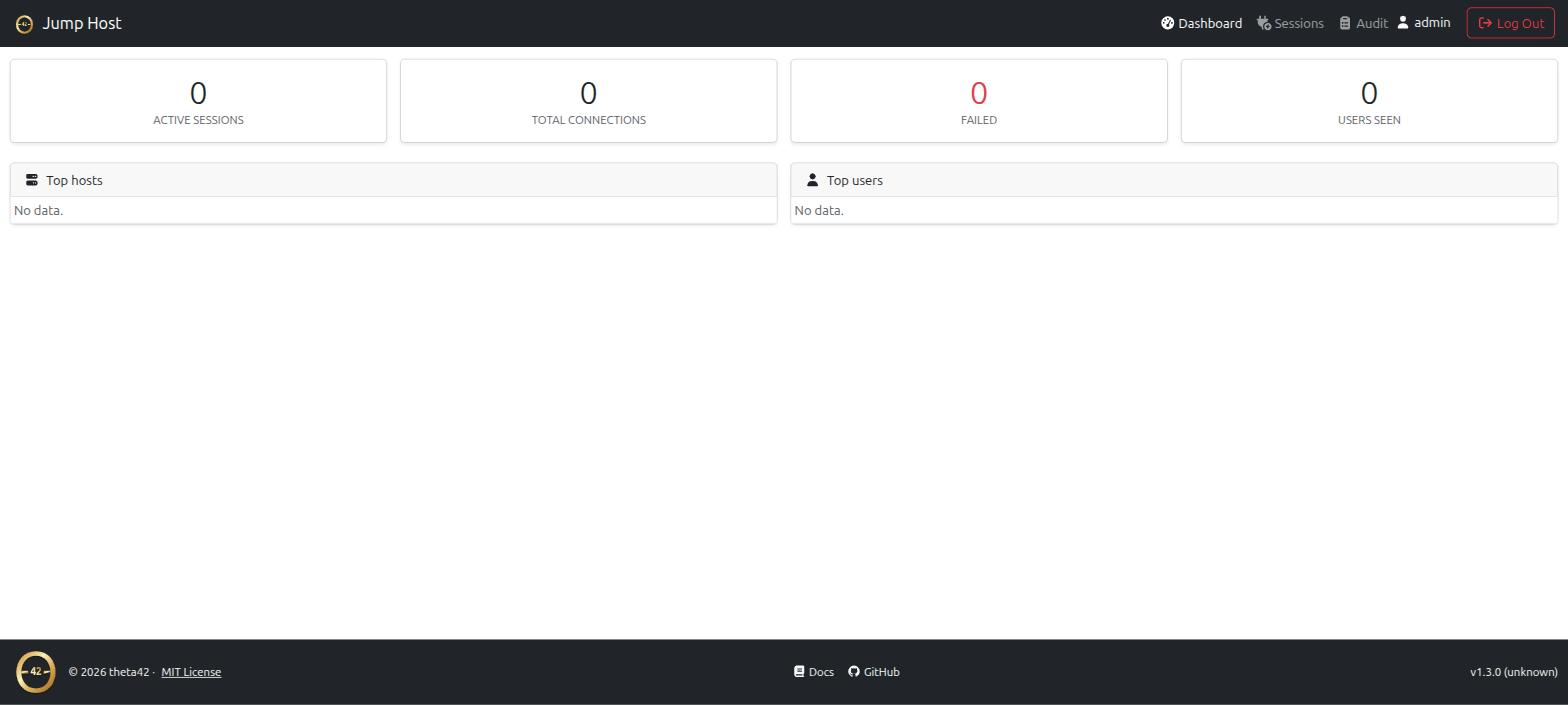
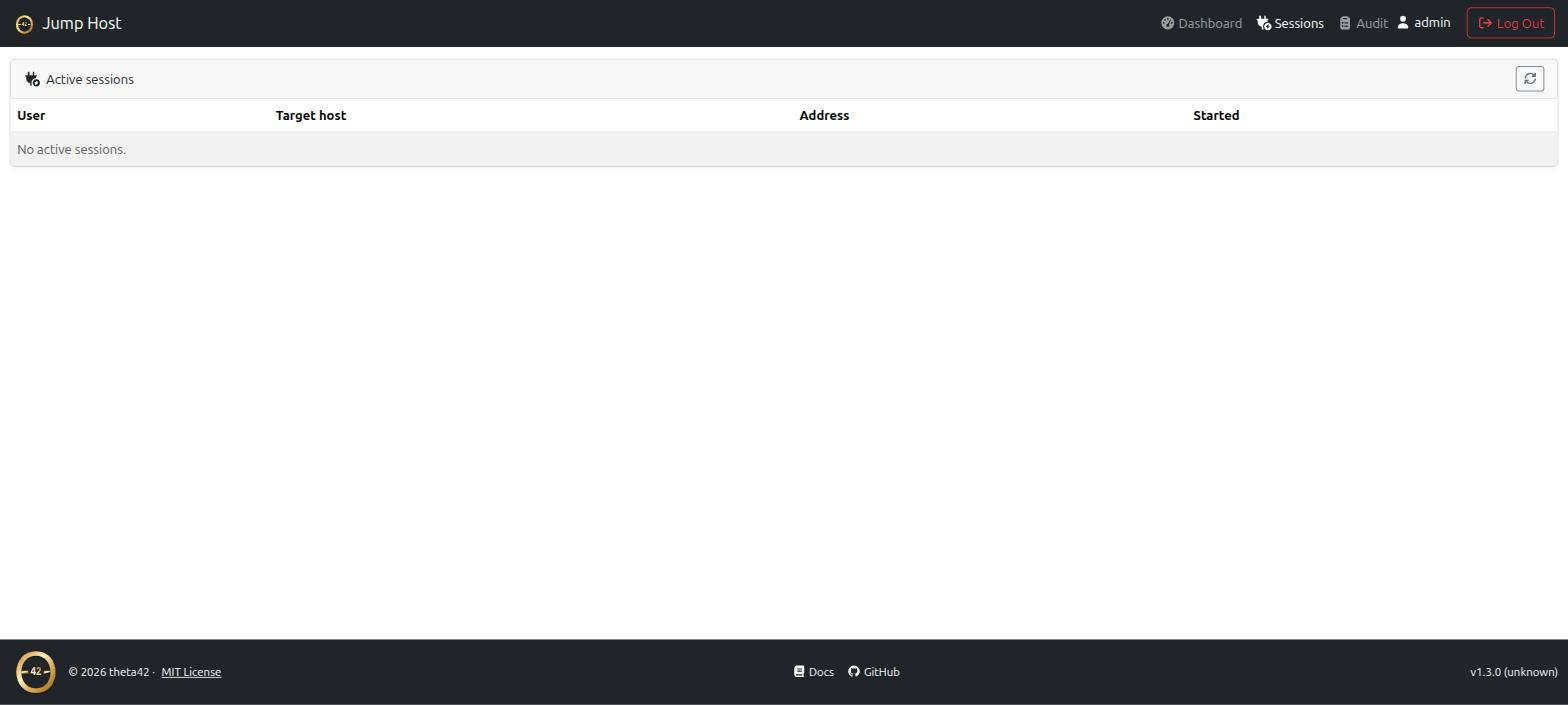
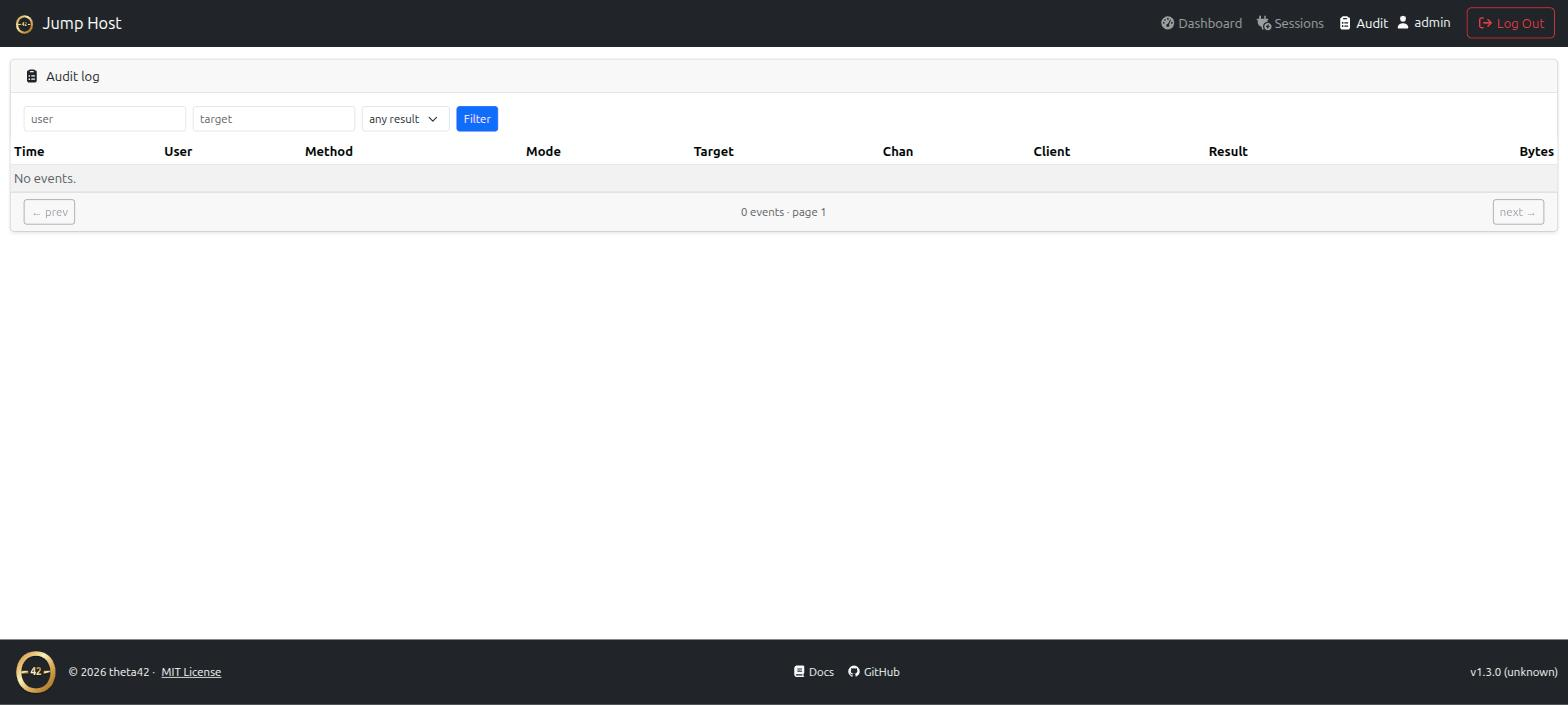
(click any screenshot to view full size)
Don’t want to run LDAP or the SSO Manager? Standalone mode stores users and hosts in a local SQL database instead (SQLite by default, any Sequelize-supported dialect if you want something else) — same SSH front door, key injection, and audit trail. See Installation to get started.
Two ways to connect
Direct (WinSCP/SFTP-friendly):
ssh alice_-_web01@jump.example.com
sftp -P 2222 alice_-_web01@jump.example.com
The username grammar is {uid}_-_{target} — target is a directory host slug
(with or without the host_ prefix), a bare hostname, or an IP. One username
string, no interactive step, so it works cleanly in WinSCP and scripts.
Interactive picker:
ssh alice@jump.example.com
A plain login shows a TUI list of the hosts you can reach; arrow-key or type to filter, Enter to connect.
See Connecting for the full usage guide.
Why a jump host (and why this one)
A bastion/jump host is the standard way to give SSH access to internal machines through a single audited entry point. What’s usually painful is authorization and credentials: who may reach which host, and how the bastion authenticates onward without you copying keys everywhere.
This jump host answers both from your directory:
- Authorization is your directory graph. The hosts you can reach are the
union of your LDAP groups × the SSO’s inventory (the
host_<name>_accessgroups the directory already auto-creates). Add someone to a group; they can reach the host. No bastion-side allow-list to maintain. - Onward auth is automatic. The jump host holds one key and injects its
public half into your
sshPublicKeyon first use, then connects downstream as you. Downstream hosts already serve keys from LDAP (via ldap-client’sAuthorizedKeysCommand), so nothing downstream needs configuring.
Features
- Username-grammar routing (
uid_-_target) — straight-through to the host, SFTP included (WinSCP works) - Interactive TUI host picker on plain login, scoped to your access
- LDAP inbound auth — public key or password (keys-only policy recommended for a public host)
- Directory-driven access — reachable hosts come from the SSO inventory, not a static list
- Per-user key injection — no downstream changes, no key distribution
- Shell, exec, and SFTP bridging
- Web UI + HTTP API for auditing and metrics — active sessions, a searchable audit log, per-user/per-host counters
- Full audit trail — who, target, method, result, bytes, duration, and the downstream host-key fingerprint
- Standalone mode — no LDAP, no SSO Manager; users and hosts live in a local SQL database (Sequelize, any dialect — SQLite by default)
- Packaged like the rest of the stack: one-command Docker, idempotent bare-metal installer, or bundled in theta-env
Get it
git clone https://github.com/theta42/jump-host.git
cd jump-host
cp secrets.js.example config/jump-secrets.js   # then edit it
docker compose up -d --build
That’s the standalone quick start. For bare-metal and the bundled theta-env option, see Installation.
Related projects
- SSO Manager — the OpenLDAP directory + OIDC provider + the inventory graph this jump host reads.
- Proxy — puts your web apps behind the same identity; fronts this jump host’s web UI.
- theta-env — runs the whole stack, jump host included, with one command.