SSO Manager
A self-hosted OpenID Connect provider with a bundled OpenLDAP directory and a web management UI — for home labs and small businesses that want their own identity provider instead of a hosted one.
One place to manage your users and groups, one login (OIDC) your modern apps can use, and one LDAP directory your older or odder apps can bind to directly. Everything runs on your own hardware; no phone-home, no hosted control plane, no per-user pricing.
Part of the theta42 self-hosted identity stack, alongside Proxy (an OIDC + LDAP-aware reverse proxy) and theta-env (the two composed with one command).
Screenshots
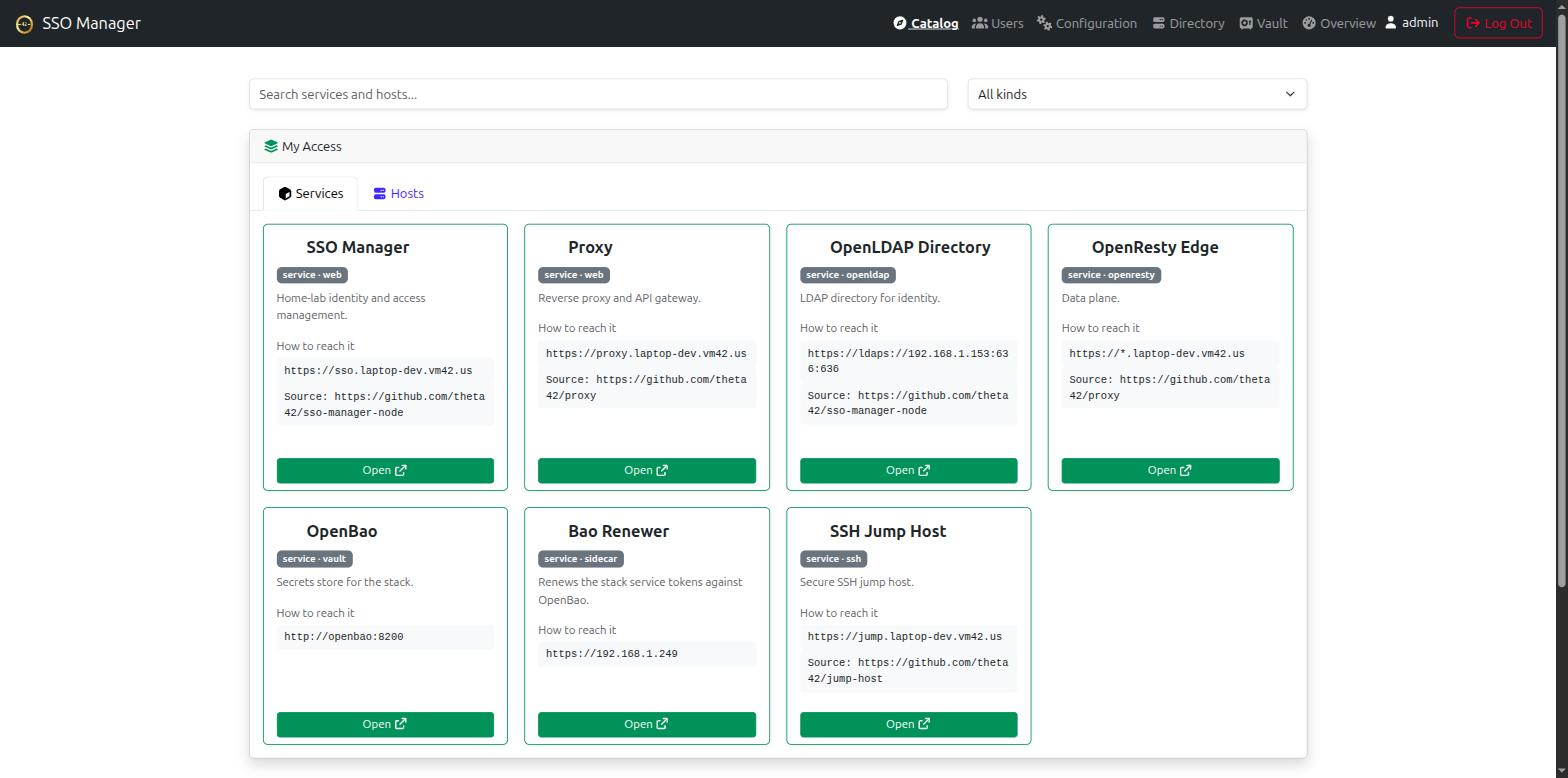
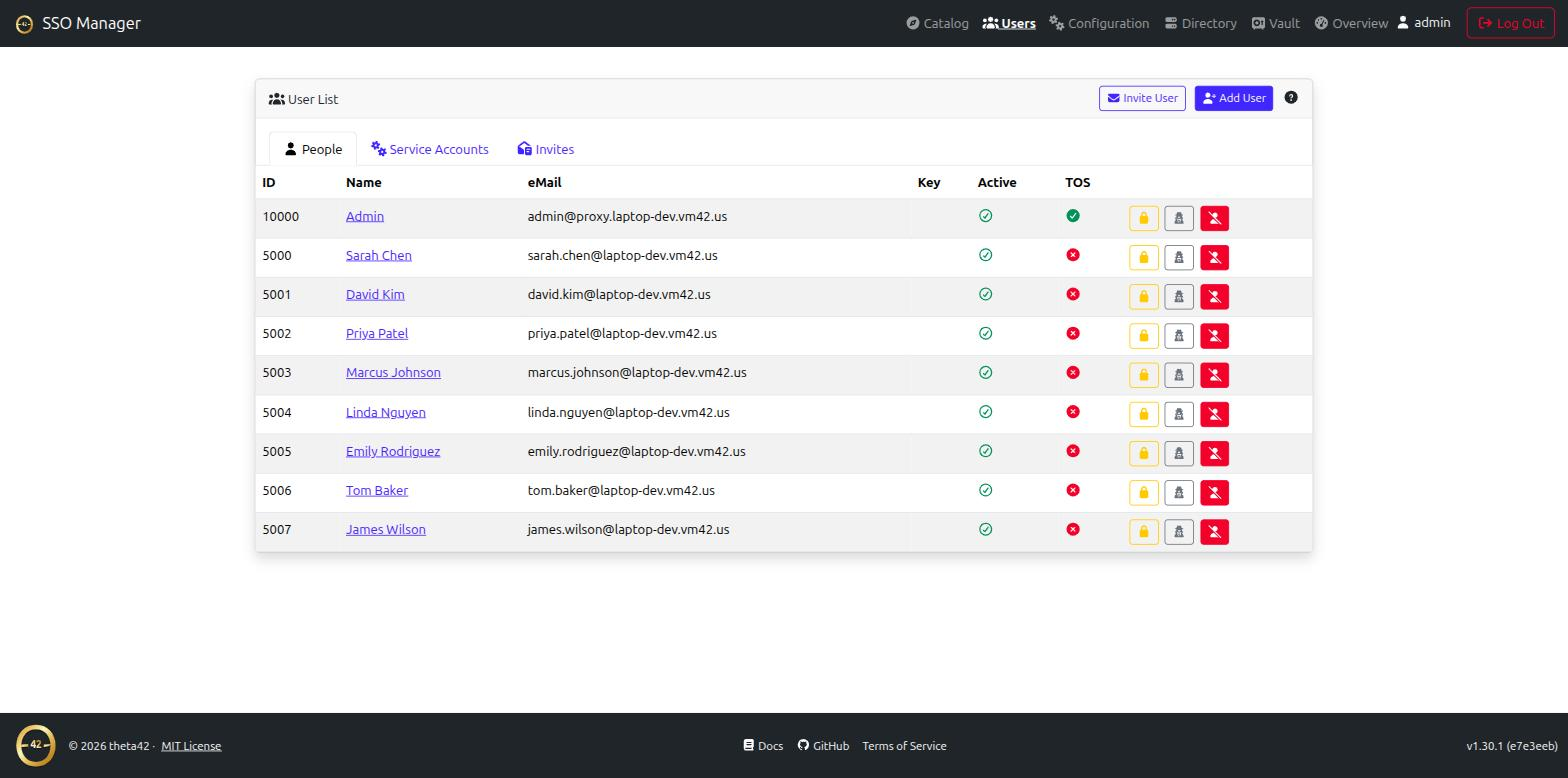
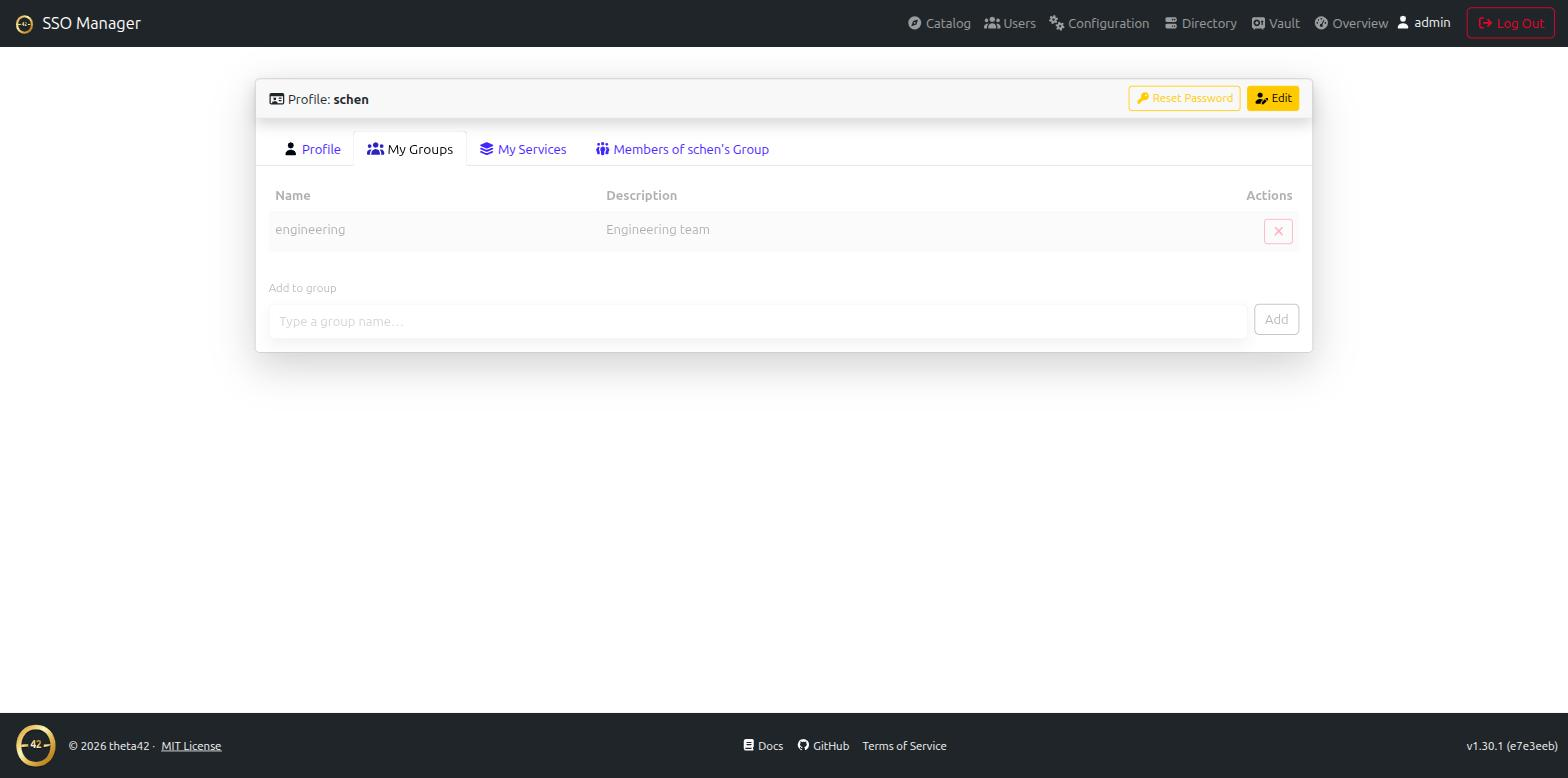

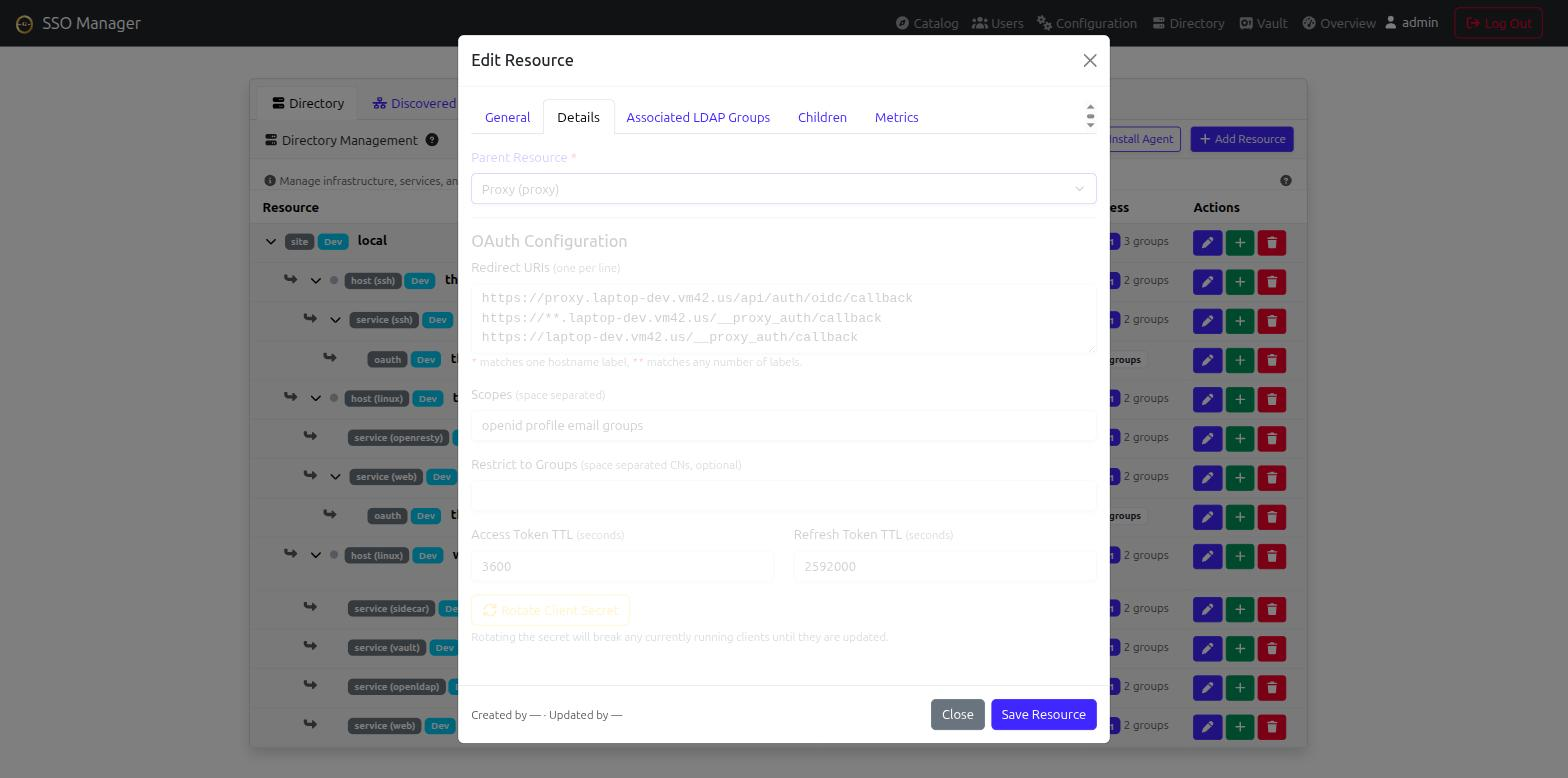
(click any screenshot to view full size)
Why this over the alternatives
Tools like Keycloak, Authentik, Authelia, or Zitadel are OIDC providers, but LDAP is either a paid feature, a federation target you have to run separately, or absent. If your stack already has apps that speak LDAP directly — or you just want one real directory as the source of truth — you end up running two identity systems and keeping them in sync.
SSO Manager bundles the OpenLDAP directory with the OIDC provider, so OIDC apps and LDAP apps read from the same users and groups. The trade-off is scope: it’s intentionally small and self-hosted, not an enterprise IAM suite. If you want a lightweight, self-contained identity provider with a real LDAP backend, that’s the niche.
Features
- OpenID Connect / OAuth 2.0 provider — your own access/refresh/ID
tokens; standard discovery document at
/.well-known/openid-configuration. - Bundled OpenLDAP directory — users, groups, POSIX accounts, SSH public
keys, and sudo roles, with
memberOf+ referential-integrity overlays. - Web management UI — users, groups, and OAuth clients from a browser; invite and password-reset flows over email; self-service profile + API tokens.
- Direct LDAP binds — anything that binds LDAP directly (Linux hosts via PAM/SSSD, Gitea, Emby, …) uses LDAPS/StartTLS against the same directory.
- All-in-one Docker image — app + OpenLDAP + Redis in one container, or
run the pieces separately via
app_*env config. - Geo-Location Scaling — built-in support for N-Way Multi-Master OpenLDAP replication across physical sites.
- Directory & Inventory — map sites, hosts, and services as a graph with rich metadata (IP/MAC, OS/kernel, ports, git repos), auto-provisioned access groups, and automatic registration from theta-env and ldap-client. Drives directory-aware tools like the SSH jump host.
- Discovery — the catalog-vs-discovered distinction, how scanned assets are matched/merged into existing resources, and how a discovery gets promoted into the catalog (and becomes reachable through the jump host).
- Theta Agent & Endpoint C2 — 2-way Go daemon (
theta-agent) for real-time telemetry (CPU, RAM, Disk, ZFS, GPU), automated host discovery, SSSD/LDAP configuration, and local capability-controlled management operations. - Vault secrets — an OpenBao-backed key-value store built into the UI, for stashing passwords/API keys/credentials with encryption and access control.
- API tokens — self-service personal access tokens for calling the management API from scripts/CI without a browser session.
Get it
git clone https://github.com/theta42/sso-manager-node.git
cd sso-manager-node
cp secrets.js.example nodejs/conf/secrets.js   # edit it, or use app_* env
docker compose up -d --build
That’s the standalone quick start. For the full set of install options
(Docker, bare-metal, or as part of the combined SSO + proxy stack), the
app_* env reference, and the OAuth/LDAP internals, see the
GitHub repository.